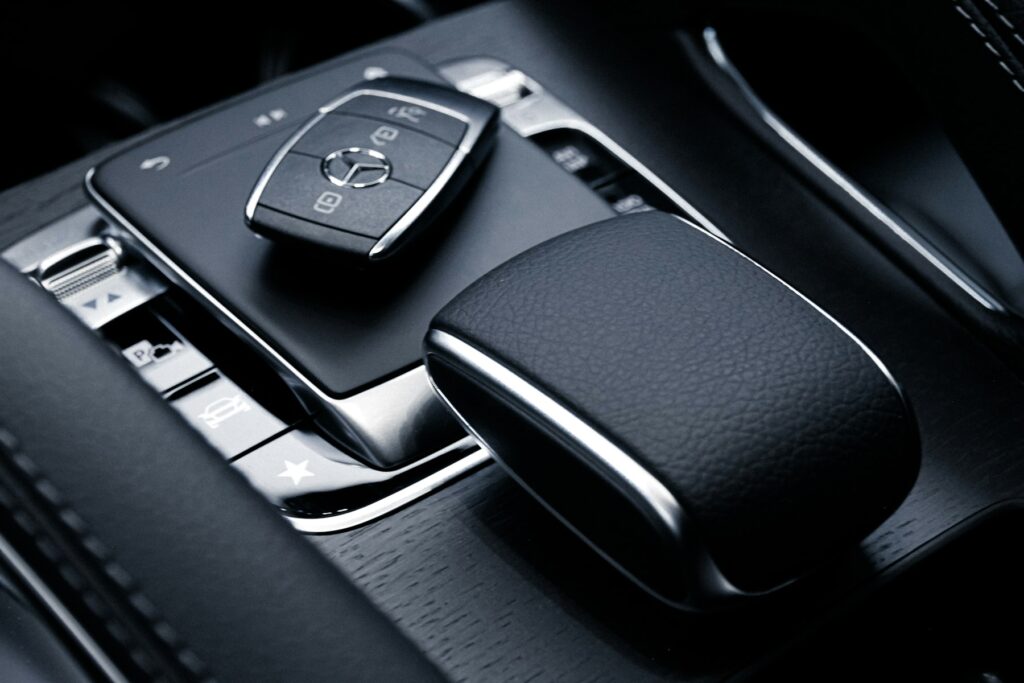
Keypad and app locks
We install smart deadbolts and keypads on homes, rentals and condos across St. Lucie and Martin counties, set up the codes, and make sure the bolt moves freely. You hear the full price before we leave for your door.
Prefer to write? Send a quote request
Quick answer
Smart lock installation in Port St. Lucie means fitting a keypad or app controlled deadbolt in place of a standard deadbolt, lining up the bolt and strike so the motor runs freely, and setting up codes and the app. Choose the connection type first, Wi-Fi, Bluetooth, Z-Wave, Thread or Matter, because it decides whether you need a hub and how long batteries last.
Lock and car brands we work on
Smart lock installation in Port St. Lucie covers more than swapping hardware. We fit the lock, line up the bolt with the strike so the motor is not straining, pair it with your phone or hub, set your first codes, and test it with the door open and shut.
You can buy the lock yourself, or tell us how you plan to use it and we will point you to models that fit your door and your phone. We do not push one brand.
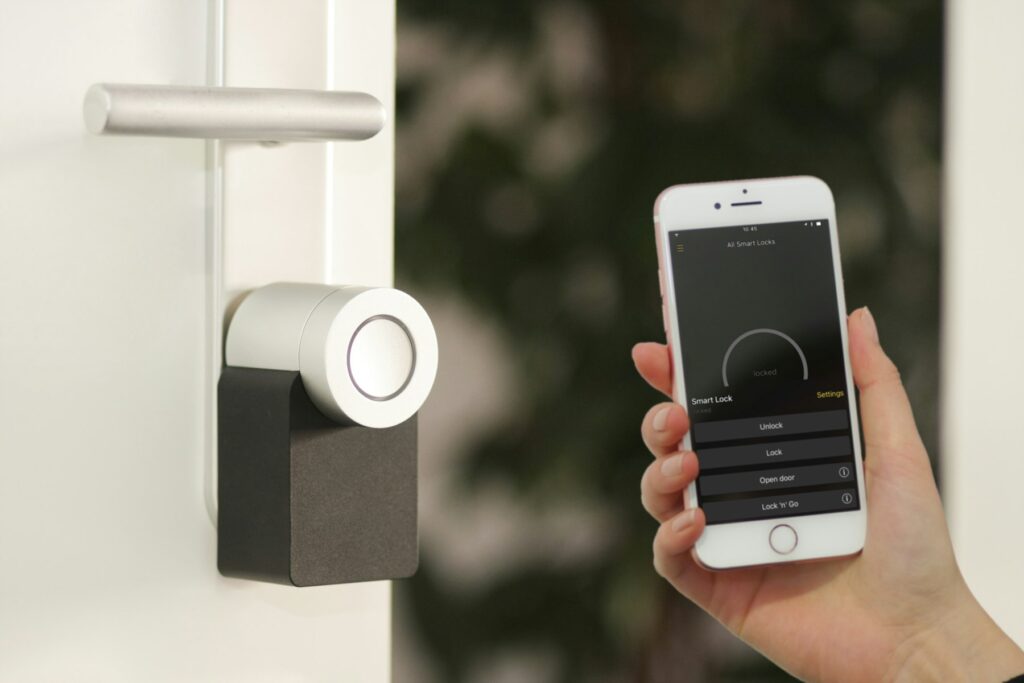
This choice decides remote access, hub needs and battery life.
Your phone talks to the lock directly when you are close by. No hub needed, but no remote control unless you add a bridge.
The lock joins your home router, so the app works from anywhere with no hub. Expect shorter battery life than with Thread.
A low power mesh radio on 908.4 and 916 MHz in North America. It needs a Z-Wave hub or alarm panel, which makes it a good match if your security system already uses one.
A low power mesh network built for battery devices. It needs a border router, a job done by devices like a HomePod mini or some Google Nest hubs.
A shared smart home language that runs over Wi-Fi or Thread. One Matter lock can work with Apple Home, Google Home, Alexa and SmartThings.
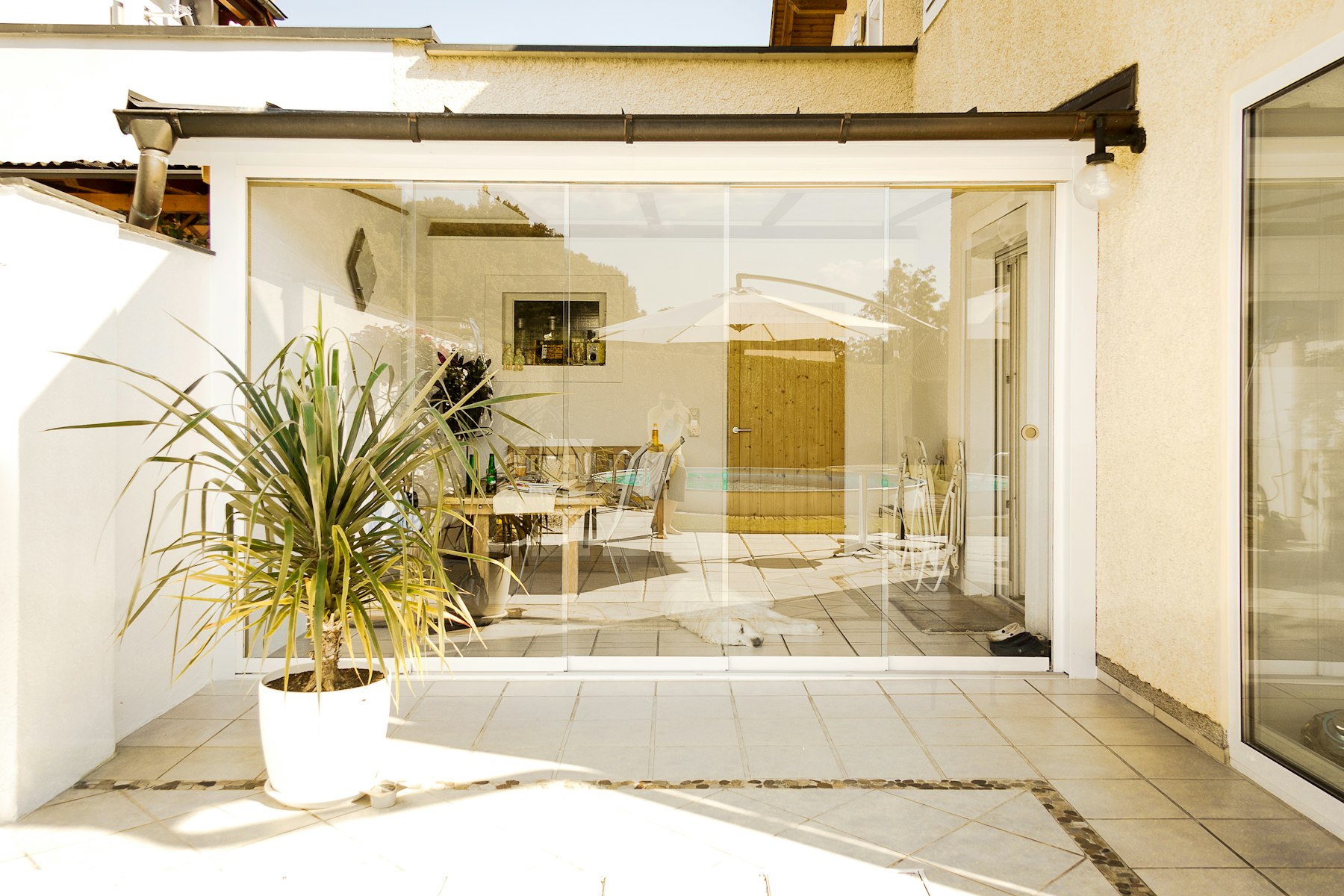
A smart lock is only as good as the door it is on.
A neutral look at models we see often. Features change by version, so check the box for your exact model.
Both have a keypad, a built-in alarm and Wi-Fi with no hub. The Encode Plus adds Thread and Apple Home Key, so a tap of an iPhone or Apple Watch opens the door, and Schlage lists it as Matter certified.
Comes as a touchscreen or a push button keypad, with or without a key cylinder. Bluetooth is built in. Yale uses swap-in modules for Wi-Fi and has announced modules for Z-Wave and for Matter over Thread.
Halo Select has Wi-Fi plus Matter over Thread, up to 250 codes, a door sensor and a BHMA AAA rating. The Plus version adds Apple Home Key. Aura connects over Bluetooth. Both use SmartKey, so the cylinder can be rekeyed in seconds.
Hides the electronics and a CR2 battery inside the deadbolt itself, so the door can keep its existing hardware. Bluetooth and Matter over Thread, with Wi-Fi through a separate bridge. Level Lock+ supports Apple Home Key.
Best known for PIN Genie, a keypad that shuffles where the digits appear, which makes your code harder to guess. The Vision Elite adds a 3D fingerprint reader, a video doorbell, solar charging and a 9V emergency power point.
Fingerprint reader, built-in Wi-Fi and Bluetooth, Matter support and an optional Z-Wave version. Runs on 8 AA batteries. U-tec lists it as ANSI Grade 1 with an IP65 weather rating.
Most will fit a normal exterior door with a standard deadbolt hole. Level lists a standard 2 1/8 inch bore, and Level, Lockly and Ultraloq all list a 2 3/8 or 2 3/4 inch backset. Door thickness counts too. U-tec lists 1 3/8 to 1 3/4 inches for the U-Bolt Pro, while Lockly lists up to 2 inches for the Vision Elite.
Common fit problems we fix:
Check the heat rating for both halves of the lock, not just the outside. On the U-Bolt Pro, for example, U-tec rates the outside body from minus 22 to 149 degrees Fahrenheit, but the inside unit, which holds the batteries, only up to 131 degrees. Batteries have limits too. Energizer rates its standard alkaline AA for use up to 130 degrees and its lithium AA up to 140 degrees.
Heat also raises leak risk. Alkaline cells build up gas as they drain, and very high temperatures make a rupture more likely. The caustic potassium hydroxide that escapes corrodes contacts, so swap weak batteries promptly.
For wind driven rain, look at the IP rating. IP65 means dust tight and able to handle water jets from any direction. IP54 means some dust protection and resistance to splashing. A door under a deep porch can get by with less.
Near the coast, finish counts. The BHMA residential finish test exposes hardware to salt, humidity and UV light, and the A rating is the top mark. A lock rated A for finish is a safer bet for a home near the water.

Expect months to over a year, depending on the radio and the batteries. U-tec quotes up to a year for the U-Bolt Pro on Wi-Fi with alkaline cells, and up to a year and a half on Matter over Thread with lithium cells. The Schlage Encode Plus is designed to switch to Thread when an Apple home hub is nearby, to save battery.
Most smart locks warn you before power runs out. Kwikset’s Aura beeps and flashes, and the Halo Select sends an app alert. Use the battery type your lock’s manual lists. Some models, like the Halo Select, also take a rechargeable pack made for that lock.
Know your backup before you need it. Keyed models still open with a key. Lockly has a 9V emergency power point, and the Ultraloq U-Bolt Pro has a micro USB port for backup power. On a key-free model, read up on its emergency power option the day you install it. If none of that works, our lockout service can still get you in.
Do not hide the spare key under the mat or in the car. Leave it with a trusted neighbor or in a lockbox, and put fresh batteries in the lock each year before hurricane season.
A smart lock lets you give each guest their own code that works only during their stay, with no keys to mail or replace. Kwikset’s Aura, for example, lets you set codes for any time, a date range, set hours or a single use.
Plan for internet outages. Lockly sells offline access codes made for that, with a few free each month. For other brands, ask how saved codes behave if the router goes down.
A few rental habits we suggest:
Read your association documents first. Under Florida Statute 720.3035, an HOA can review the look of exterior improvements only as far as its declaration or published guidelines say. If yours covers hardware seen from the street, it may set the finish or style of your lock, so check before you pick a color.
Condo owners have one more item to check. Florida Statute 718.111 gives the association a right of access to each unit when needed for repairs or to prevent damage. Ask your manager whether they want a code or key on file. A smart lock makes that easy, since you can give the association its own code and see when it is used.
Tell us the lock model and send a photo of the door edge through our quote form. We quote the total before anyone drives out.
We measure bore, backset and door thickness, then check that the door closes square and the bolt lines up.
We mount the lock, adjust or reinforce the strike, and cycle the bolt by hand and by motor until it runs freely.
We pair the app or hub with you, set your first codes and auto-lock, and show you the backup way in.
Door condition and the lock model you choose decide the final number.
| Job | Typical range | What is included |
|---|---|---|
| Smart lock install | $125 to $225 | Fit, strike adjustment, pairing and first codes |
| Standard deadbolt install | $75 to $150 | Labor to fit a regular lock you supply |
| Rekey, first lock | $95 to $150 | Match a keyed smart lock to your other doors |
These are typical ranges. Your exact total is quoted on the phone before we drive out, and that is the price you pay. Compare all our services on the pricing page.
We are a mobile locksmith out of Port St. Lucie and install smart locks from Fort Pierce and Jensen Beach down through Stuart and up to Melbourne. Book any day but Saturday: 7am to 11pm Sunday through Thursday, 7am to 5pm Friday.
Want your keyed doors to match the new lock? Our rekey service handles that on the same visit. For more on home locks, see our residential locksmith page. Call [PHONE] to get your price.
Other services
Other locksmith services from the same team, with the same rule: total price on the phone first.
Locked out of a house, car or business. Damage-free entry first, proof of ownership every time.
Deadbolts, knobs, sliders and storm doors fitted and repaired at your home.

New pins so old keys stop working, or new hardware when the lock is worn out.

Remote head keys, flip keys and push to start fobs, programmed on site.
Storefront and office locks, closers, panic bars and staff change rekeys.
Master key systems, keypads and fob readers for offices and rentals.
FAQ
Yes. Most smart deadbolts from Schlage, Yale, Kwikset, Level, Lockly and Ultraloq fit standard deadbolt prep. Tell us the exact model when you call and send a photo of your door edge, and we will confirm it fits and quote the install before driving out. If the door needs extra drilling or a new strike, we say so up front.
Among the brands we install, the Schlage Encode Plus, Kwikset Halo Select Plus and Level Lock+ are made to work with Apple Home Key. You tap an iPhone or Apple Watch to open the door. On the Encode Plus, Home Key needs an Apple TV or HomePod set up as a home hub.
It depends on the radio. Wi-Fi locks join your router directly, so no hub. Bluetooth locks work when your phone is close by and need a bridge for remote access. Z-Wave locks need a Z-Wave hub or alarm panel, and Thread locks need a border router like a HomePod mini or a compatible Google Nest hub.
Not a standard smart deadbolt. Sliding doors use a hook latch in a narrow frame, with no room for a deadbolt bore. A swing door is the right spot for a smart lock. For the slider, a solid secondary lock or bar is usually the better upgrade.
Yes, if you check the specs and keep up with batteries. On some models the inside unit has a lower heat limit than the outside, so a door in direct sun is worth a second look. Use the batteries your manual lists, replace them when the low battery alert starts, and pick a good IP rating for doors that face the rain.
The lock runs on its own batteries, so a home power cut does not shut it down. What you lose without internet is remote control and live alerts until the network returns. Ask how your model handles codes while offline before you rely on it for guests. Some brands, such as Lockly, offer offline codes made for that situation.
If the smart lock has a key cylinder, usually yes. We can rekey it, or rekey your other locks, so one key works on every door. Kwikset models with SmartKey can be rekeyed quickly. Key-free models have no cylinder to match, so plan your backup entry differently.
Ready when you are
Tell us what happened and where you are in Port St. Lucie and the Treasure Coast. You get the total price on the phone before anyone drives out.